Password book maker
A–Z sections to keep every login in one place.
An alphabetical password keeper: A to Z sections, each page headed by its letter with a table for website, username or email and password, in large print by default (low-content).
Default book ≈ 460 credits · estimate shown before launch
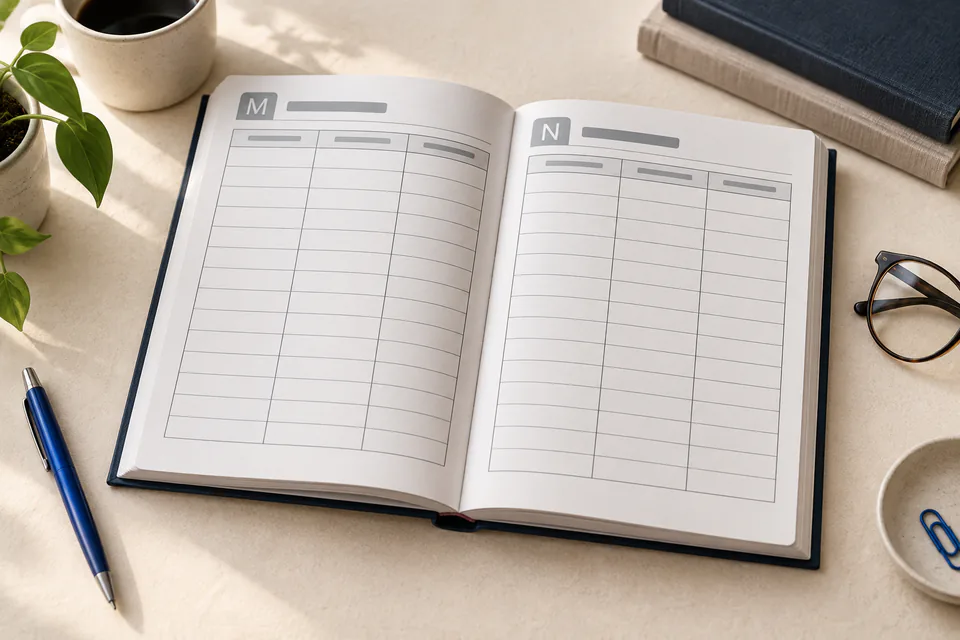
How a password book is laid out
A to Z sections spread evenly over the pages (about 4 pages per letter at 108 pages). Each page is headed by its letter and holds a 3-column login table (website, username or email, password) with tall, easy-to-write rows.
The default voice is neutral & minimal: functional labels and instructions. You can change the audience, tone and length in the Story step.
The numbers KDP will check
These are the specs of the default password book, computed from our KDP rulebook: the same code that lays out your pages and sizes your cover. Change the trim, paper or page count and every number updates.
Paperback
Available ✓6 × 9 in, black & white · white paper, 108 pages by default.
Hardcover
Available ✓6 × 9 in, black & white · white paper, 108 pages by default.
Kindle eBook
Not availableNot offered: KDP lists this kind of book as unsuited to Kindle, so it is print only.
Default password book · paperback
- Default trim
- 6 × 9 in
- Ink & paper
- Black & white · white paper
- Bleed
- No
- Interior page size
- 6 × 9 in
- Pages (default)
- 108 · template 60–200
- KDP page range
- 24–828 for this ink & trim
- Minimum margins
- 0.375 in gutter · 0.25 in outside
- Spine width
- 0.243 in at 108 pages
- Full cover (wrap)
- 12.493 × 9.25 in
- Printing cost (US)
- $2.30 per copy
- Minimum list price
- $4.60
- Expanded Distribution
- Not eligible
At a $6.99 list price, KDP pays about $1.20 per copy sold on Amazon.com. Check any price with the royalty calculator.
Styles that suit a password book

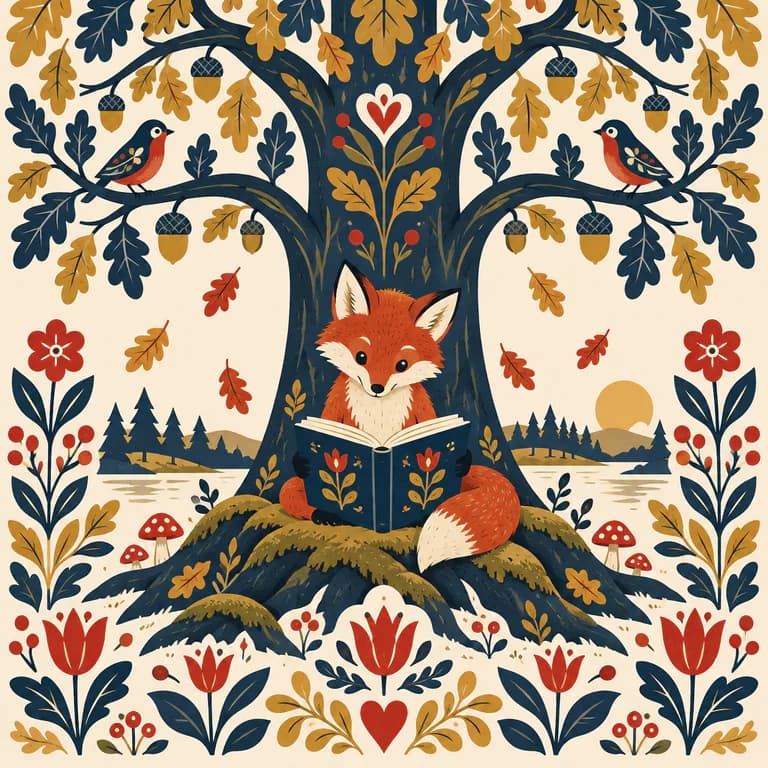
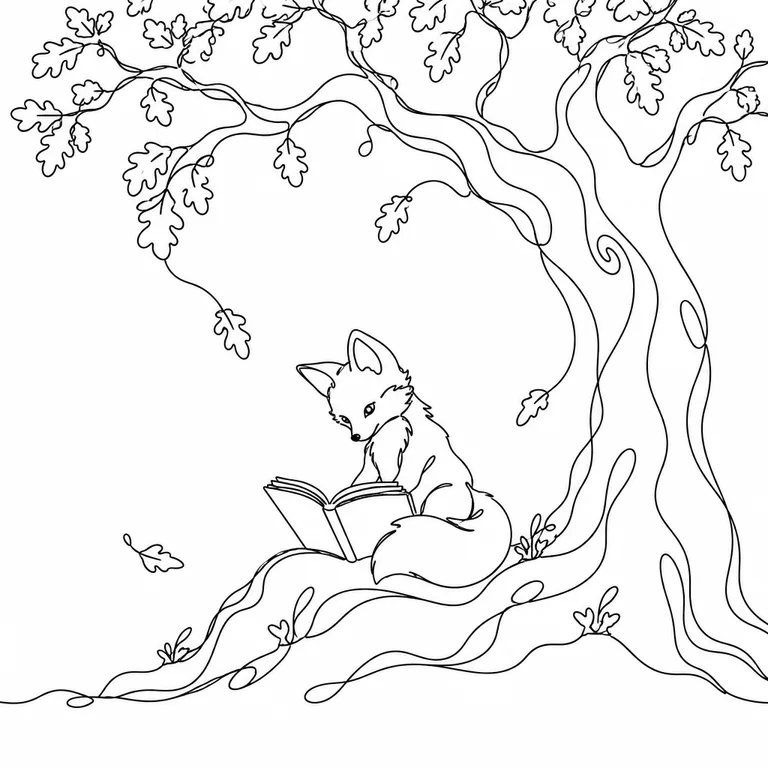

Audiences
Fonts, type size, sentence length and vocabulary follow the audience you pick, and children’s books get the reading-age field for your KDP listing.
Before you publish
- Password books are low-content on KDP: no free KDP ISBN, no Expanded Distribution and no Kindle edition.
- A to Z sections with large print rows are what buyers look for, often as a gift for parents and grandparents.
How to make a password book for KDP
- 01
Describe the book
Write one sentence about your password book, or import your own manuscript.
- 02
Choose the style
Pick an illustration style, or describe your own.
- 03
Confirm the KDP format
Start from 6 × 9 in, black & white · white paper, or change trim, paper and page count.
- 04
Generate and edit
Watch the pages build, then edit text, images and fonts with a live preview and a KDP preflight check.
- 05
Export for KDP
Download the interior PDF, the cover PDF and the listing sheet, then upload them to KDP.
Password book questions
What trim size is best for a password book on KDP?
kdpbook.io starts password books at 6 × 9 in on black & white interior, white paper. You can switch to 5.5 × 8.5 in, 5 × 8 in, 7 × 10 in, 8.5 × 11 in; the layout and cover are recalculated for the new size.
How many pages should a password book have?
Our password book template runs 60–200 pages and defaults to 108. For this ink and trim, KDP accepts 24–828 pages. KDP counts every page, including front matter and blank pages, and rounds odd counts up to an even number.
How much does it cost to print a password book on KDP?
At the default 108 pages, 6 × 9 in, black & white · white paper, KDP's printing cost on Amazon.com is $2.30 per paperback copy, so the lowest list price KDP allows is $4.60. At $6.99 you would earn about $1.20 per copy sold on Amazon.com. Printing costs change with the marketplace, trim and page count.
Can I publish a password book as a Kindle eBook?
No. Not offered: KDP lists this kind of book as unsuited to Kindle, so it is print only. You can publish it as a paperback or hardcover.
How many credits does a password book cost on kdpbook.io?
The default password book (108 pages) is estimated at 460 credits. You see the exact estimate before you launch, only what is produced is charged, and the rest of the hold goes back to your balance.
Is a password book a low-content book on KDP?
Yes. Planners, logbooks and notebooks count as low-content: tick the low-content box in KDP. They can't use the free KDP ISBN, Expanded Distribution or a Kindle edition.
Do I have to tell Amazon the book was made with AI?
Yes. KDP asks every publisher to declare AI-generated text, images and translations when publishing. kdpbook.io books are AI-generated, and the export sheet lists what to declare for yours.
Related book types
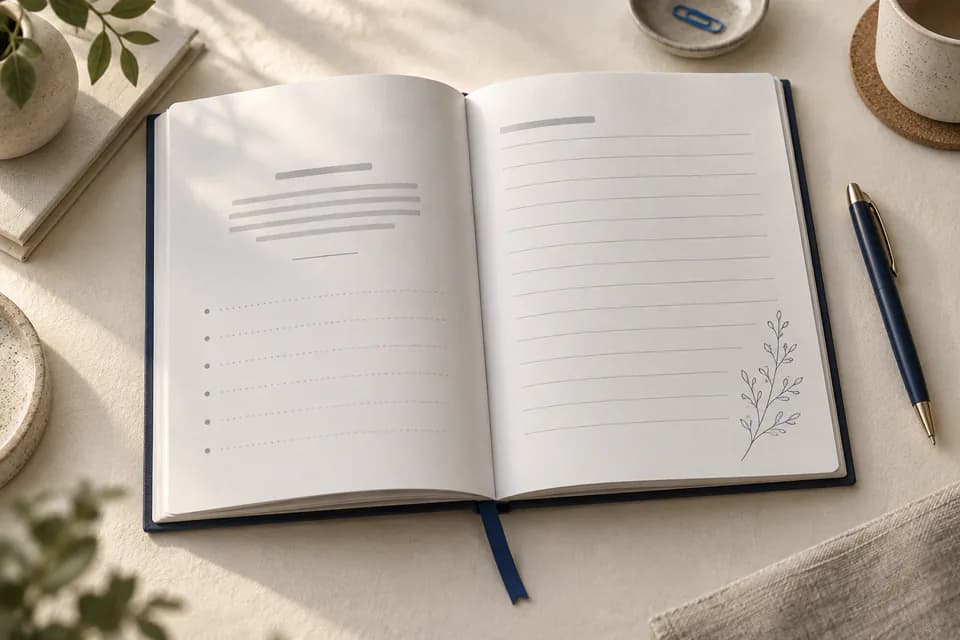
Guided journal
A unique prompt on every page, with decorative art
Ages 5+ · 60–240 pages · 6 × 9 in
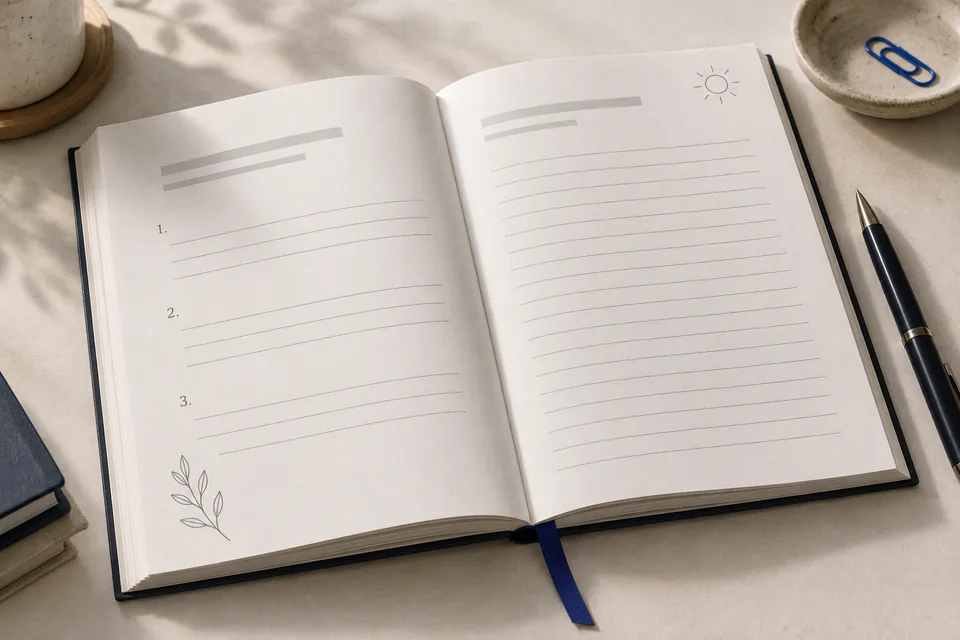
Gratitude journal
A fresh prompt for three good things, every day
Ages 8+ · 60–240 pages · 6 × 9 in
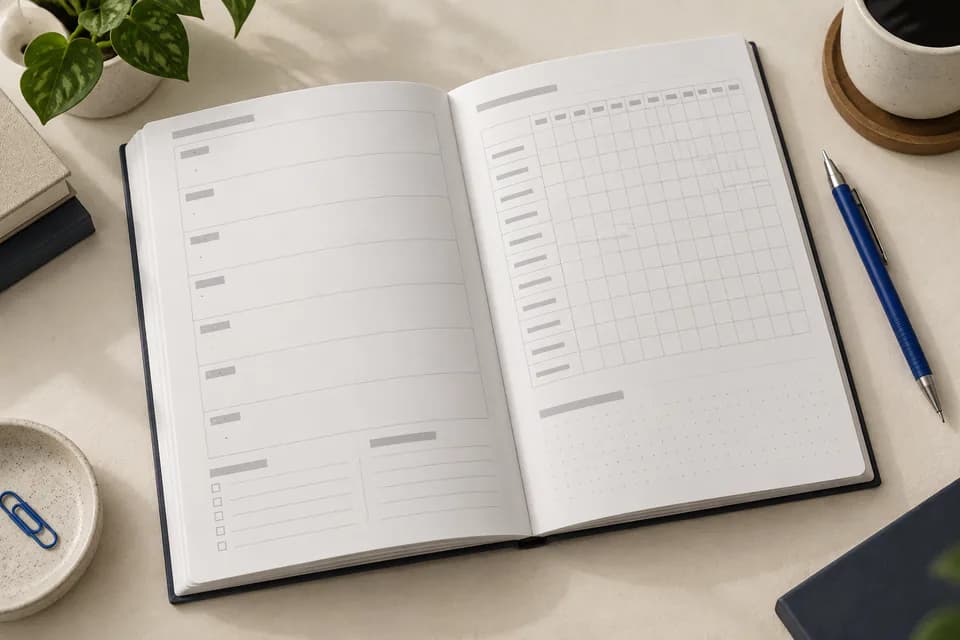
Planner & logbook
Undated planners, trackers and niche logbooks
Ages 8+ · 24–400 pages · 6 × 9 in
Made with kdpbook
Read journals & notebooks other authors made with kdpbook, free in the 3D book player.
Browse journals & notebooks →Make your password book today.
Describe it in one sentence. kdpbook writes, illustrates and lays it out at 6 × 9 in, then gives you the interior, cover and listing for KDP.
2,000 free credits · no card required