Guided journal maker
kdpbook.io's guided journal maker turns a one-sentence idea into a 120-page guided journal at 6 × 9 in: it writes, illustrates and lays out the book, then exports the interior PDF, the full-wrap cover PDF and a listing sheet for KDP. The default book costs about 1,611 credits (≈ $16), within the 2,000 free signup credits as a watermarked preview.
A prompt journal (gratitude, mindfulness, faith, grief, parenting, travel) with a unique prompt on every page, writing lines and small decorative art.
To sell the book, export it on a paid plan: every plan from $25/month (Starter, 2,500 credits a month) gives watermark-free files with a commercial license, and kdpbook.io takes no royalty. See plans
Default book ≈ 1,611 credits (≈ $16) · estimate shown before launch
Need an idea? 20 journal and notebook ideas you can start in one click.
Making a notebook, planner or journal? Low-content book generator.

How a guided journal is laid out
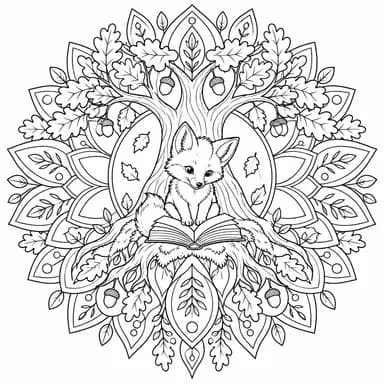
Each page has a prompt or question (10 to 40 words) above its writing lines, and a decorative drawing page comes every few pages. Medium-content, not repetitive: no two prompts are the same.
The default voice is encouraging: supportive coach voice. You can change the audience, tone and length in the Story step.
Three guided journal ideas to start from
Each one opens a new guided journal with the idea already written in. Change anything before a page is made.
The numbers KDP will check
These are the specs of the default guided journal, computed from our KDP rulebook: the same code that lays out your pages and sizes your cover. Change the trim, paper or page count and every number updates.
Paperback
Available ✓6 × 9 in, black & white · white paper, 120 pages by default.
Hardcover
Available ✓6 × 9 in, black & white · white paper, 120 pages by default.
Kindle eBook
Not availableNot offered: KDP lists this kind of book as unsuited to Kindle, so it is print only.
Default guided journal · paperback
- Ink & paper:
- Black & white · white paper
- Bleed:
- No
- Interior page size:
- 6 × 9 in
- Pages (default):
- 120 · template 60–240
- KDP page range:
- 24–828 for this ink & trim
- Minimum margins:
- 0.375 in gutter · 0.25 in outside
- Spine width:
- 0.27 in at 120 pages
- Full cover (wrap):
- 12.52 × 9.25 in
- Printing cost (US):
- $2.44 per copy
- Minimum list price:
- $4.88
- Languages:
- English, Spanish, German, French, Italian, Portuguese, Dutch + 20 more
- Selling rights:
- Commercial license on paid plans (from $25/month)
- Expanded Distribution:
- Not available: KDP distributors don't accept journals and other books with frequent lined or blank pages
At a $8.99 list price, KDP pays about $2.06 per copy sold on Amazon.com. Check any price with the royalty calculator.
Expanded Distribution
✓ Checked onKDP's Expanded Distribution page lists this kind of book among the content its distributors don't currently accept. The book is still sold on Amazon.
KDP's distributors, not KDP, decide which books they accept. Which books they accept or may decline → Source: KDP Help: Expanded Distribution (opens in a new tab).
Real guided journals made with kdpbook
Books made with kdpbook by its authors and the kdpbook team, free to read in the 3D book player.


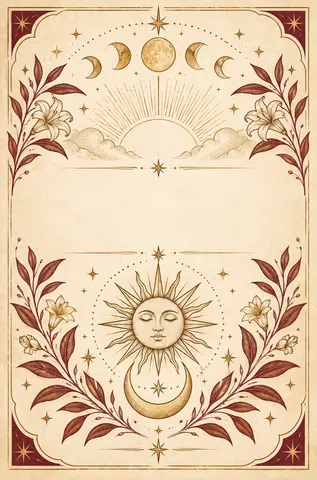
Styles that suit a guided journal
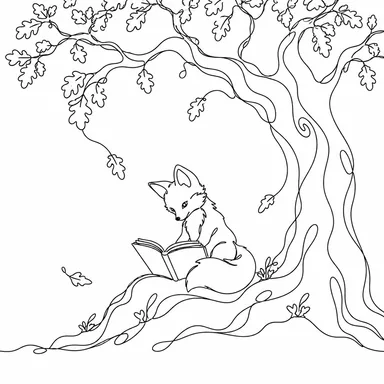
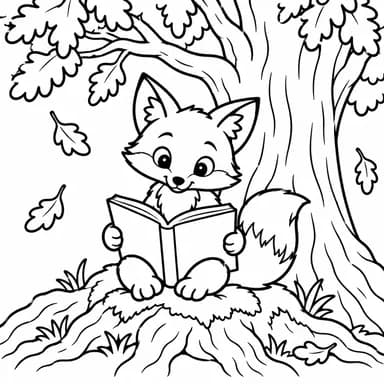
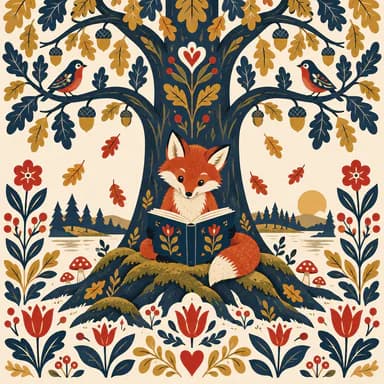
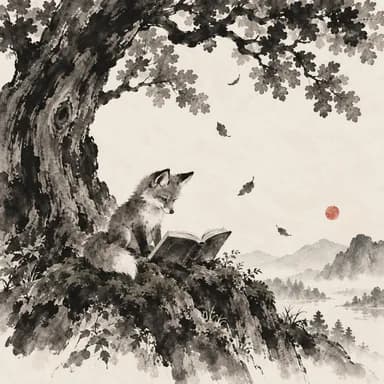
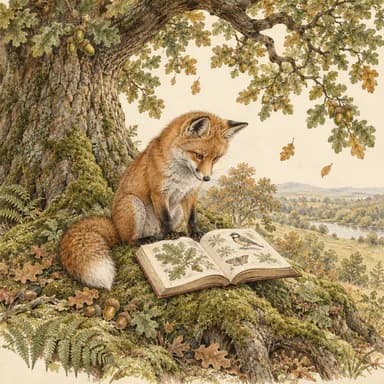
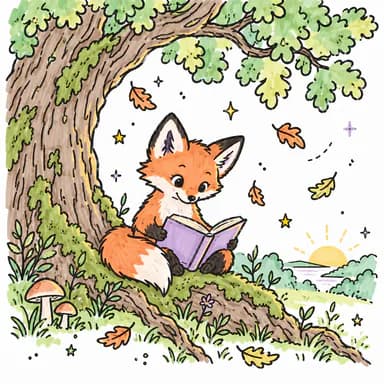
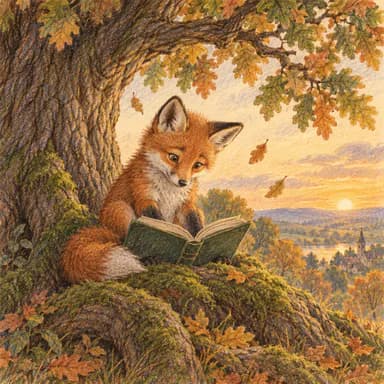
Audiences
Fonts, type size, sentence length and vocabulary follow the audience you pick, and children’s books get the reading-age field for your KDP listing.
Before you publish
- KDP's low-content examples include prompt journals. A different prompt on every page is closer to a regular book: tick the low-content box only if your pages repeat.
- Quotes must be original or in the public domain.
Common KDP rejections for this type
The KDP messages that apply to a guided journal, and what usually causes them. The KDP preflight in the editor checks for each of them before you export.
- Low-content / ISBN setting
The low-content box was ticked, or left unticked, the wrong way.
- Content outside the margins
A text box was moved or enlarged near the edge, the page count grew past a gutter step (150, 300, 500 pages), or a long word or web address runs into the margin.
- Content review (quality, rights, AI)
Reviewers flag books that feel thin, repetitive, or too close to other books.
How to make a guided journal for KDP
- 01
Describe the book
Describe your guided journal in one sentence, then set the writing style, the reader (large print for seniors) and the length.
- 02
Choose the style
Pick an illustration style and meet your main characters, or describe your own.
- 03
Confirm the KDP format
Start from 6 × 9 in, black & white · white paper, or change trim, paper and page count.
- 04
Generate and edit
A different prompt is written for every page, with writing lines and small decorative drawing pages in between. Edit any prompt in the editor.
- 05
Export and fill your KDP draft
Download the interior PDF, the cover PDF and the listing sheet. Upload them to KDP yourself or, on a paid plan, let kdpbook Publisher (Chrome or Edge on a computer) fill your KDP draft with them; either way, you review the draft and click Publish.
How kdpbook Publisher works →
Guided journal questions
What makes a guided journal different from a notebook?
The prompts. Every page asks a different question above its writing lines, with small decorative drawing pages in between, while a notebook repeats the same ruled page. Quotes must be your own or in the public domain.
How many pages should a guided journal have?
Our guided journal template runs 60–240 pages and defaults to 120. For this ink and trim, KDP accepts 24–828 pages. KDP counts every page, including front matter and blank pages, and rounds odd counts up to an even number.
Can I change the prompts?
Yes. Each prompt is ordinary text on its page: edit it in the editor or ask for an AI rewrite, with a live preview. Before they are written, the theme you give the journal and your notes for the writer steer every prompt.
Can I publish a guided journal as a Kindle eBook?
No. Not offered: KDP lists this kind of book as unsuited to Kindle, so it is print only. You can publish it as a paperback or hardcover.
Can I make a guided journal in Spanish, German or French?
Yes. kdpbook.io can make a guided journal in 27 languages that KDP prints, including English, Spanish, German, French, Italian, Portuguese and Dutch. Arabic, Hindi, Chinese (Traditional), Tamil, Marathi, Gujarati and Malayalam are left out: KDP publishes them only as Kindle eBooks, and a guided journal has no Kindle edition. A few words its pages print stay in English: Habit and Notes. The kdpbook.io editor is in English, and the Book assistant replies in English, French, Spanish, German, Italian or Portuguese, following the language you write in.
How many credits does a guided journal cost on kdpbook.io?
The default guided journal (120 pages, 12 illustrations, about 4,000 words) is estimated at 1,611 credits, about $16. Your first guided journal fits in the 2,000 free signup credits (preview watermark; clean files on any paid plan). You see the exact estimate before you launch, only what is produced is charged, and the rest of the hold goes back to your balance.
Can I sell a guided journal made with kdpbook.io on Amazon?
Yes, on a paid plan (from $25/month): its files have no watermark and come with a commercial license, while free-plan files are a watermarked preview. Plans: kdpbook.io/pricing.
Can a guided journal use KDP Expanded Distribution?
Not available: KDP distributors don't accept journals and other books with frequent lined or blank pages. KDP's Expanded Distribution page lists this kind of book among the content its distributors don't currently accept. The book is still sold on Amazon.
Is a guided journal a low-content book on KDP?
It depends on the pages. KDP's low-content examples include prompt journals, meaning books with repetitive pages meant to be filled in. A guided journal with a different prompt on every page is closer to a regular book, so kdpbook treats it as one; tick the low-content box only if your pages repeat.
Do I have to tell Amazon the book was made with AI?
Yes, for AI-generated content. KDP asks you to declare AI-generated text, images or translations when you publish or republish a book, even if you edited them substantially. Text kdpbook writes is AI-generated. The cover art kdpbook paints, and any illustrations it paints inside the book, are AI-generated images. The export sheet pre-fills the answers from what was actually generated for your book.
Related book types
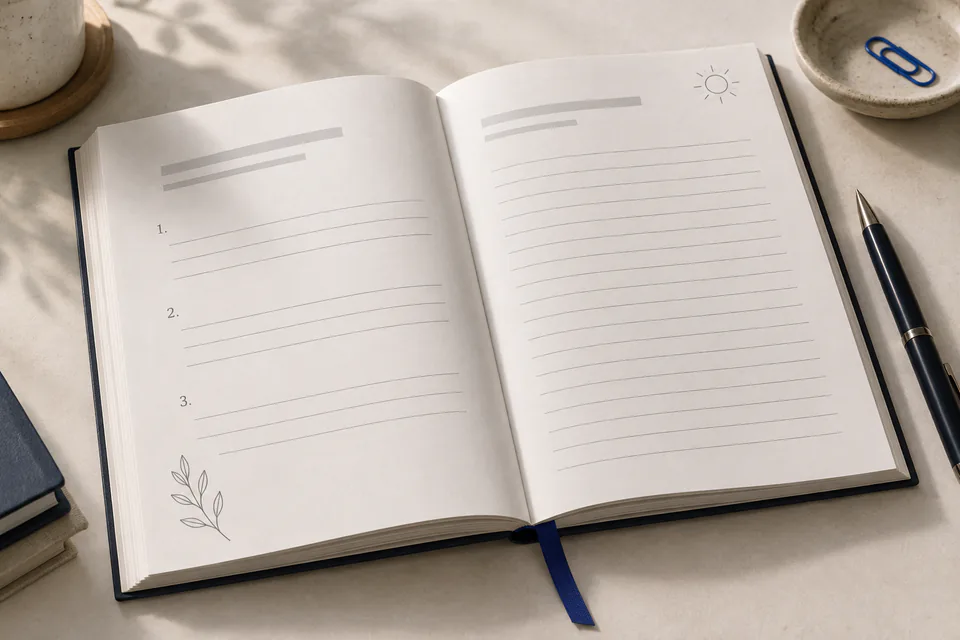
Gratitude journal
A fresh prompt for three good things, every day
Ages 8+ · 60–240 pages · 6 × 9 in
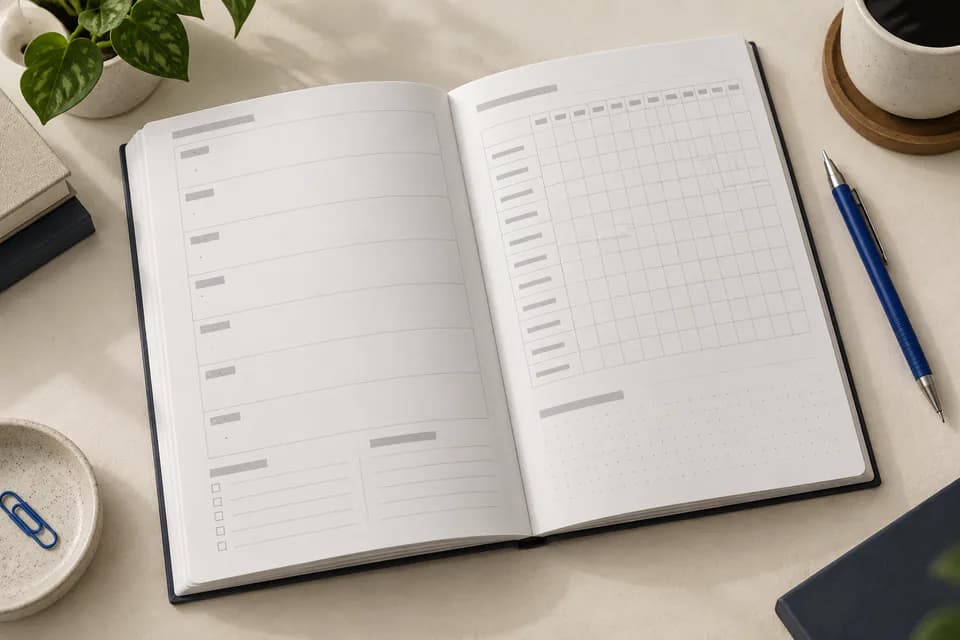
Planner & logbook
Undated weekly planners and niche log books
Ages 8+ · 24–400 pages · 6 × 9 in
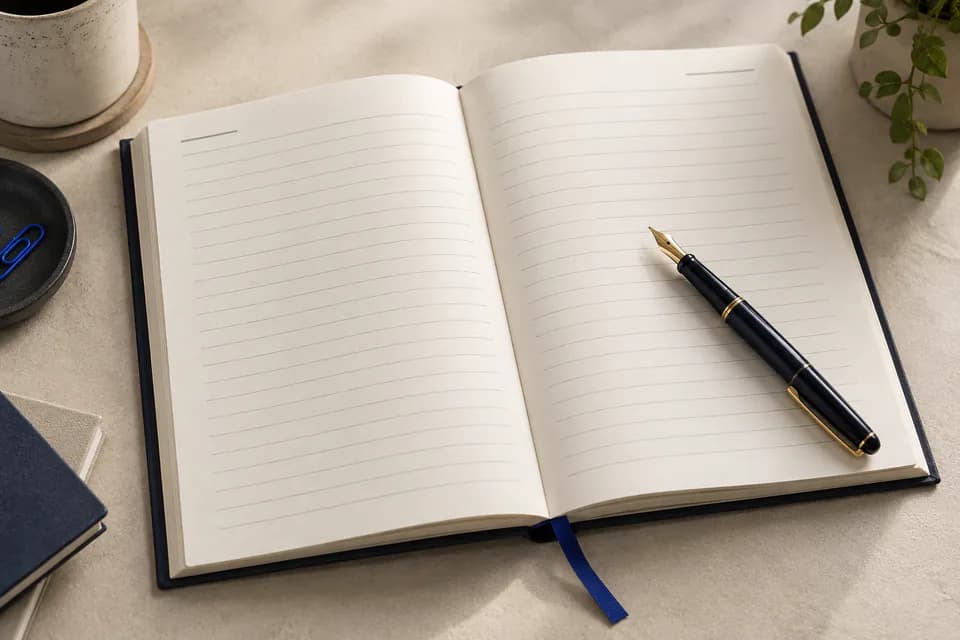
Lined notebook
Ruled pages and a cover made for your niche
Ages 8+ · 24–300 pages · 6 × 9 in
Made with kdpbook
Read journals & notebooks other authors made with kdpbook, free in the 3D book player.
Browse journals & notebooks →Make your guided journal today.
Describe it in one sentence. kdpbook.io writes, illustrates and lays out the book at 6 × 9 in, then gives you the interior, cover and listing sheet for KDP.
2,000 free credits · no card required