Cookbook maker
Recipes with a hero photo, ingredients and steps.
A recipe book with a hero photo per recipe, an ingredient list and step-by-step method, organized by chapter.
Default book ≈ 1,172 credits · estimate shown before launch
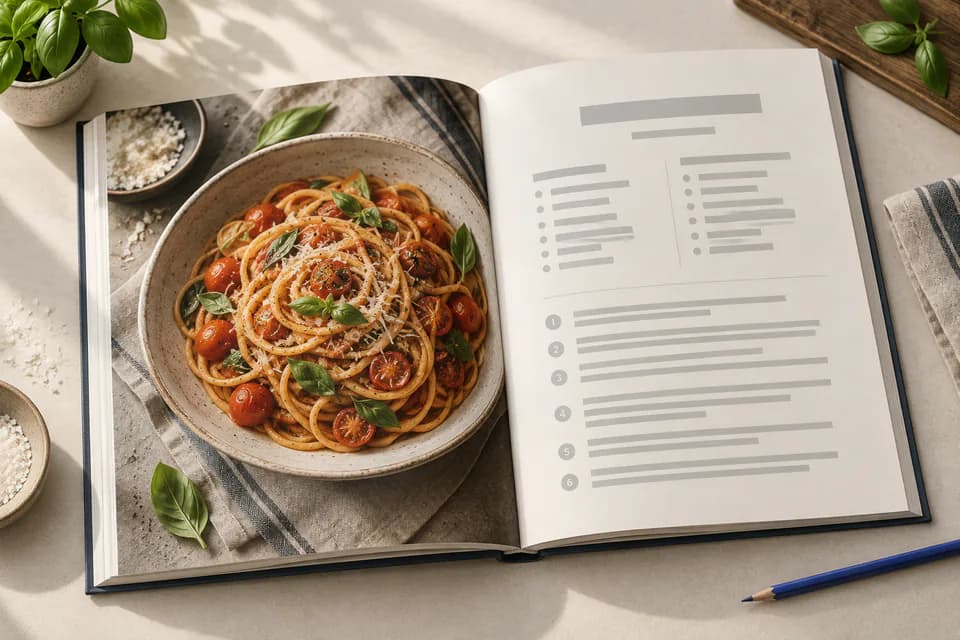
How a cookbook is laid out
Each recipe gets a hero photo (top half or full page), a 40 to 80 word headnote, an ingredient list in the chosen units, 4 to 10 numbered steps, servings and time. Chapter openers get a mood photo.
The default voice is cozy: comforting, homely, low stakes. You can change the audience, tone and length in the Story step.
The numbers KDP will check
These are the specs of the default cookbook, computed from our KDP rulebook: the same code that lays out your pages and sizes your cover. Change the trim, paper or page count and every number updates.
Paperback
Available ✓8 × 10 in, standard color · white paper, 120 pages by default.
Hardcover
With changesPossible with a different trim or page count. Hardcover is only offered in 5.5 × 8.5, 6 × 9, 6.14 × 9.21, 7 × 10 and 8.25 × 11 in.
Kindle eBook
Available ✓Reflowable EPUB: text adapts to the reader's screen and font size.
Default cookbook · paperback
- Default trim
- 8 × 10 in
- Ink & paper
- Standard color · white paper
- Bleed
- Yes, 3 sides
- Interior page size
- 8.125 × 10.25 in
- Pages (default)
- 120 · template 72–300
- KDP page range
- 72–600 for this ink & trim
- Minimum margins
- 0.375 in gutter · 0.375 in outside
- Spine width
- 0.27 in at 120 pages
- Full cover (wrap)
- 16.52 × 10.25 in
- Printing cost (US)
- $5.82 per copy
- Minimum list price
- $9.99
- Expanded Distribution
- Eligible
At a $16.99 list price, KDP pays about $4.37 per copy sold on Amazon.com. Check any price with the royalty calculator.
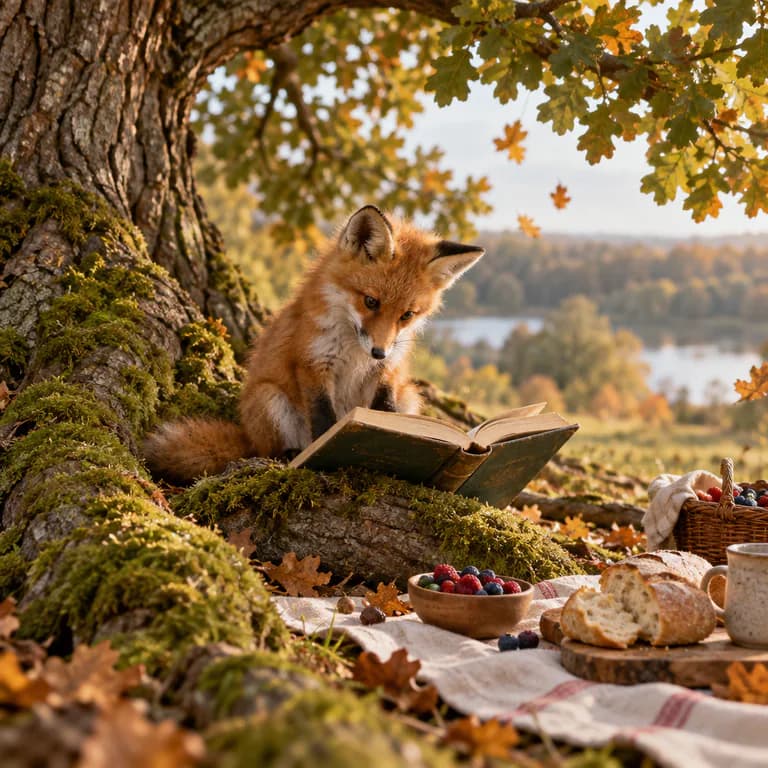
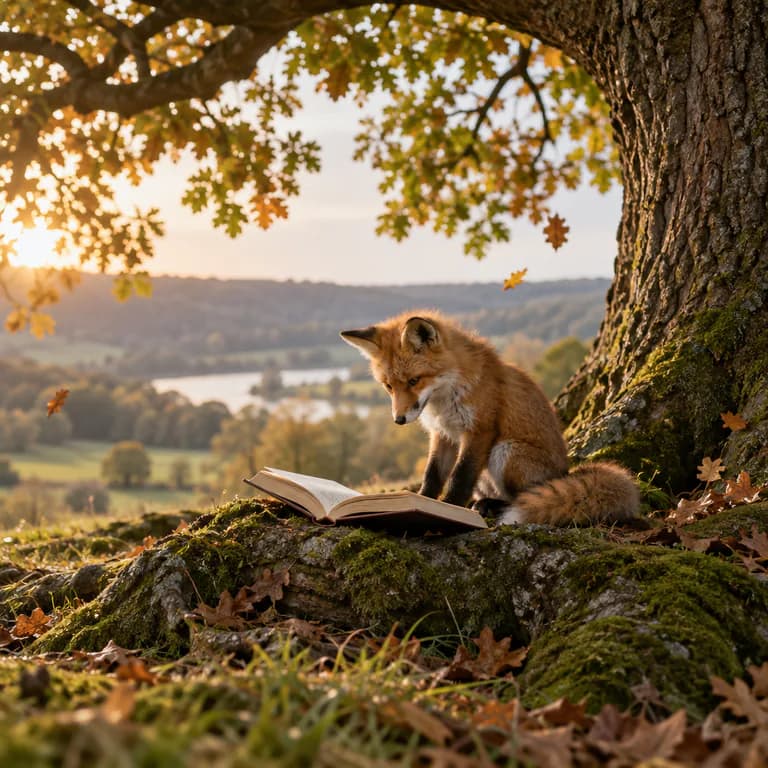
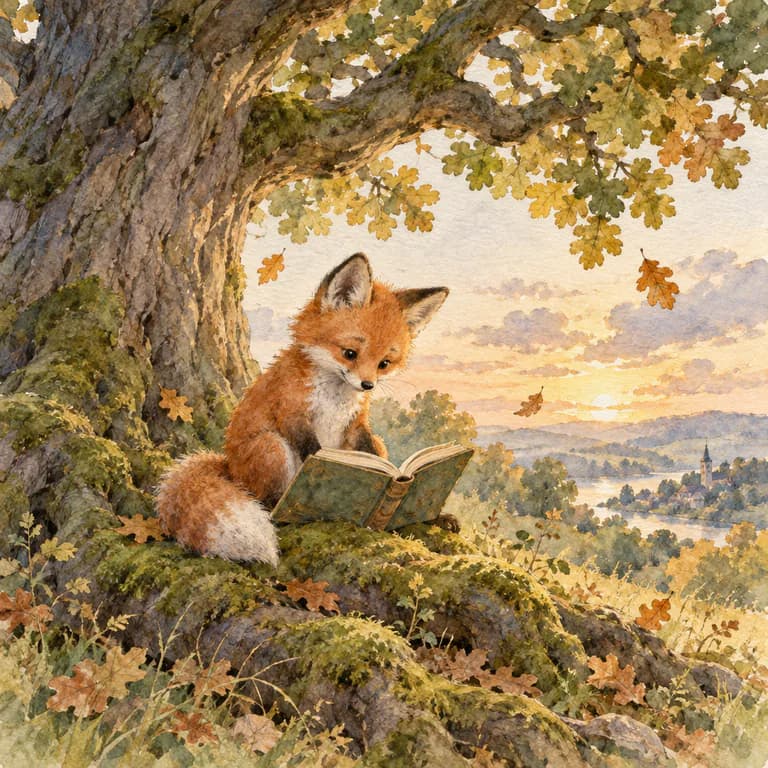
Styles that suit a cookbook
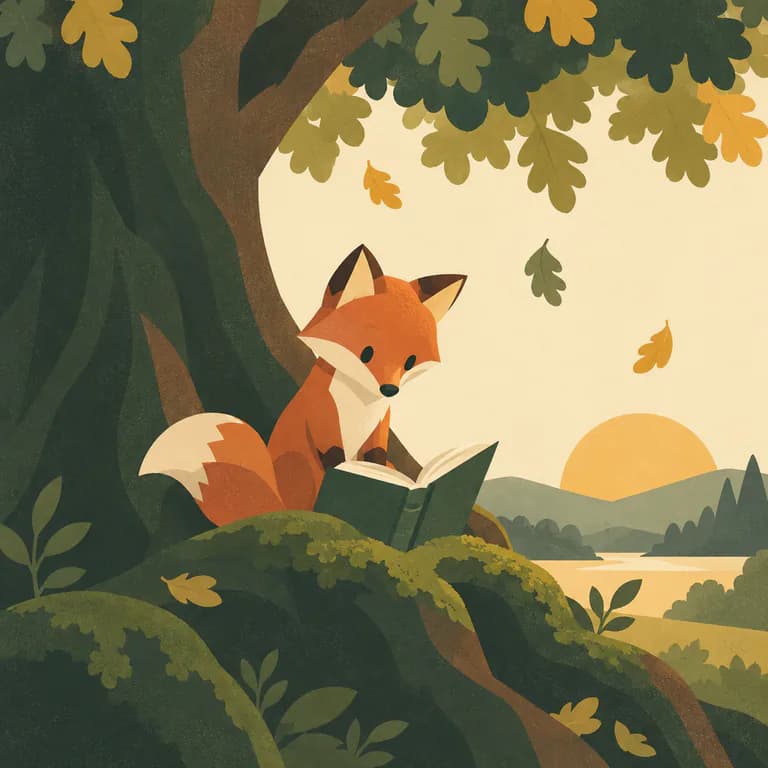
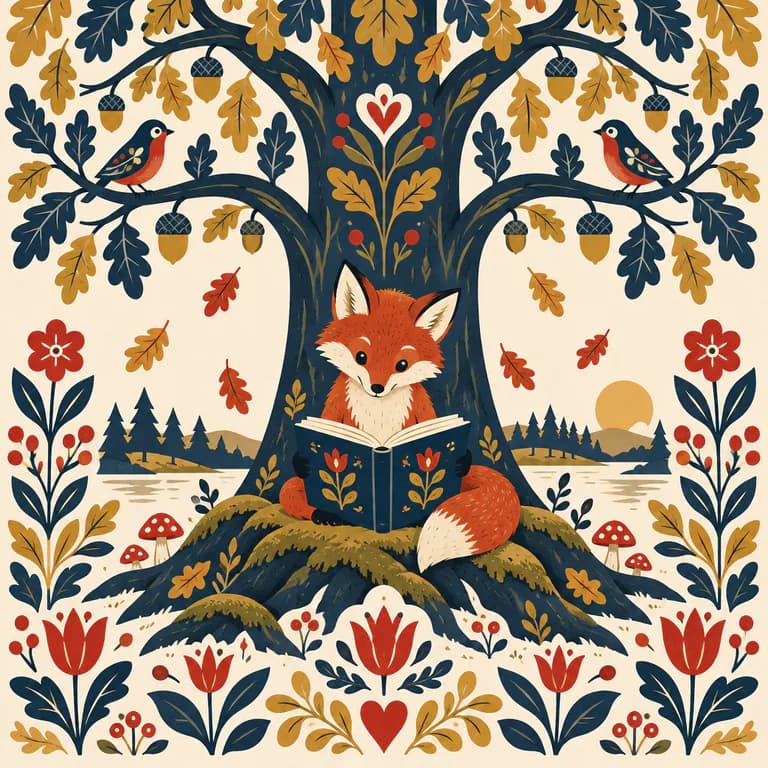
Audiences
Fonts, type size, sentence length and vocabulary follow the audience you pick, and children’s books get the reading-age field for your KDP listing.
Before you publish
- Quantities, times and servings are validated so every recipe is internally consistent before layout.
- Food photos are generated from each recipe's own ingredient list, so the picture matches the dish.
How to make a cookbook for KDP
- 01
Describe the book
Write one sentence about your cookbook, or import your own manuscript.
- 02
Choose the style
Pick an illustration style and meet your main characters, or describe your own.
- 03
Confirm the KDP format
Start from 8 × 10 in, standard color · white paper with bleed, or change trim, paper and page count.
- 04
Generate and edit
Watch the pages build, then edit text, images and fonts with a live preview and a KDP preflight check.
- 05
Export for KDP
Download the interior PDF, the cover PDF, the Kindle EPUB and the listing sheet, then upload them to KDP.
Cookbook questions
What trim size is best for a cookbook on KDP?
kdpbook.io starts cookbooks at 8 × 10 in on standard color interior, white paper, with bleed. You can switch to 8.5 × 11 in, 7 × 10 in, 7.5 × 9.25 in, 8.25 × 11 in; the layout and cover are recalculated for the new size.
How many pages should a cookbook have?
Our cookbook template runs 72–300 pages and defaults to 120. For this ink and trim, KDP accepts 72–600 pages. KDP counts every page, including front matter and blank pages, and rounds odd counts up to an even number.
How much does it cost to print a cookbook on KDP?
At the default 120 pages, 8 × 10 in, standard color · white paper, KDP's printing cost on Amazon.com is $5.82 per paperback copy, so the lowest list price KDP allows is $9.99. At $16.99 you would earn about $4.37 per copy sold on Amazon.com. Printing costs change with the marketplace, trim and page count.
Can I publish a cookbook as a Kindle eBook?
Yes. Reflowable EPUB: text adapts to the reader's screen and font size. It is exported from the same project as the paperback and hardcover.
How many credits does a cookbook cost on kdpbook.io?
The default cookbook (120 pages, 56 illustrations, about 25,000 words) is estimated at 1,172 credits. You see the exact estimate before you launch, only what is produced is charged, and the rest of the hold goes back to your balance.
Is a cookbook a low-content book on KDP?
No. KDP's low-content category only covers notebooks, planners, journals with repeating pages and logbooks. A cookbook is published like any other book and can use the free KDP ISBN.
Do I have to tell Amazon the book was made with AI?
Yes. KDP asks every publisher to declare AI-generated text, images and translations when publishing. kdpbook.io books are AI-generated, and the export sheet lists what to declare for yours.
Related book types
Non-fiction guide
How-to, self-help, business or hobby guide
Ages 13+ · 80–400 pages · 6 × 9 in
Memoir & family history
Your memories shaped into a finished book
Adults · 80–500 pages · 6 × 9 in
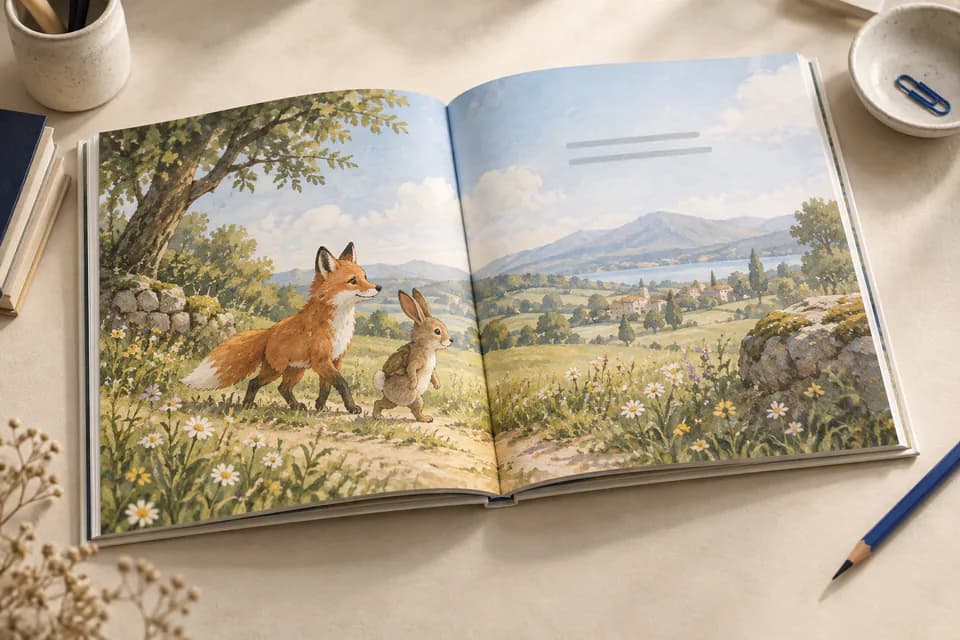
Picture book
32-page illustrated story with read-aloud text
Ages 0–8 · 24–48 pages · 8.5 × 8.5 in
Made with kdpbook
Read non-fiction & guides other authors made with kdpbook, free in the 3D book player.
Browse non-fiction & guides →Make your cookbook today.
Describe it in one sentence. kdpbook writes, illustrates and lays it out at 8 × 10 in, then gives you the interior, cover and listing for KDP.
600 free credits · no card required