Describe your book.
We make it Amazon-ready.
kdpbook.io is the AI book generator for Amazon KDP: written, illustrated and print-ready.
2,000 free credits · no card required · enough for a watermarked 32-page picture book
Watch a book come together.
Written, illustrated, laid out with KDP margins and bleed, then exported as the files Amazon asks for.
Animated demo: from a one-sentence idea, the pages are written and illustrated, the spread gets KDP margins, bleed and trim guides, then the 3D book, the print PDFs, the Kindle eBook and the listing are ready.
- Kindle eBook
- Paperback
- Hardcover
- 5 ink & paper types
- 16 trim sizes + custom
- Margins, bleed & spine: automatic
An idea or your manuscript in. A KDP-ready book out.
Tell the AI what you want in a sentence, or set every detail yourself. Both paths go through the same steps, so you can change anything before and after generation.
- 01
Describe or import
Type an idea in plain words, or bring your own manuscript as a Word file, a PDF, Markdown or plain text.
- 02
Pick a book type and art style
Picture book, novel, coloring book, journal and more, with 61 illustration styles or your own.
- 03
Watch it build, page by page
Text, illustrations and cover appear as they are made. Every step is logged, every credit accounted for.
- 04
Edit, preview, export
Change fonts, text and images with a live preview, then download the files KDP asks for.




AI generators for 36 KDP book types.
Each type comes with layouts that suit it: where images go, how much text fits on a page, and which trim sizes and paper make sense.
All 36 book types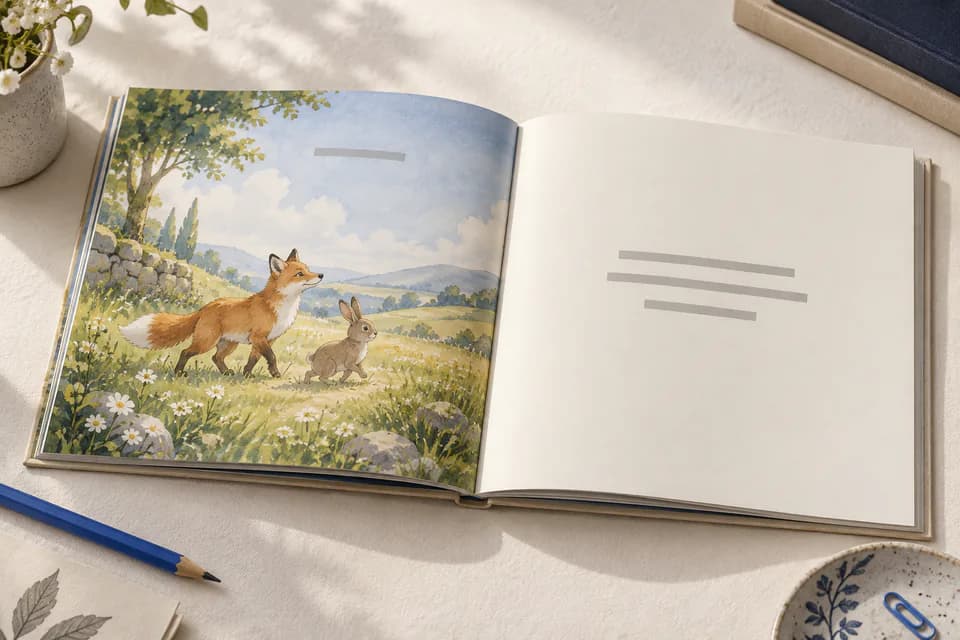
Picture books
Full-page art with a few lines per page.
Ages 0–8 · 24–48 pages
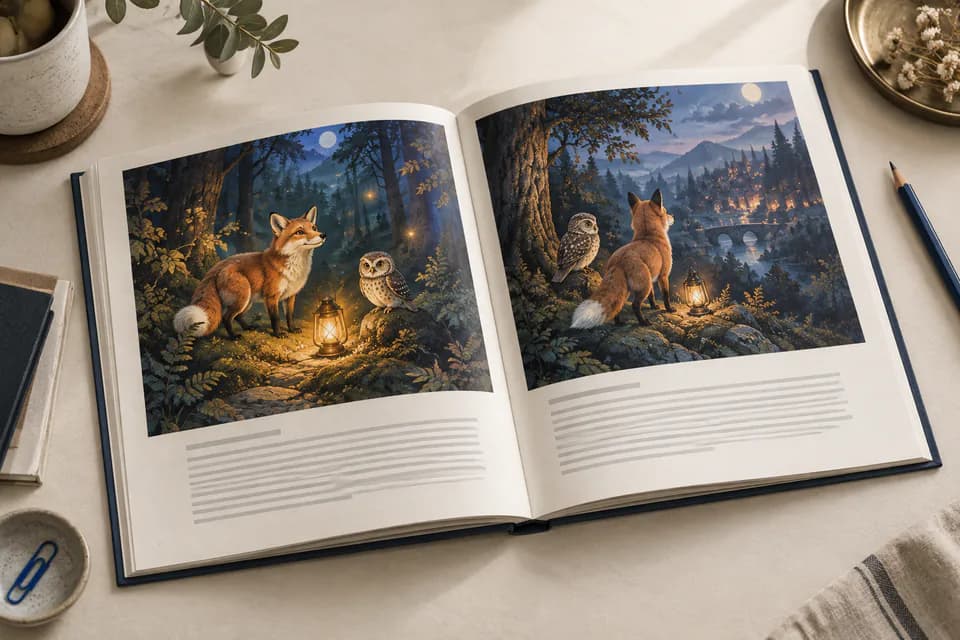
Illustrated stories
An image above, the story below.
Ages 0–12 · 24–200 pages

Novels & chapter books
Text only, with chapter openers and a table of contents.
Ages 3+ · 48–700 pages
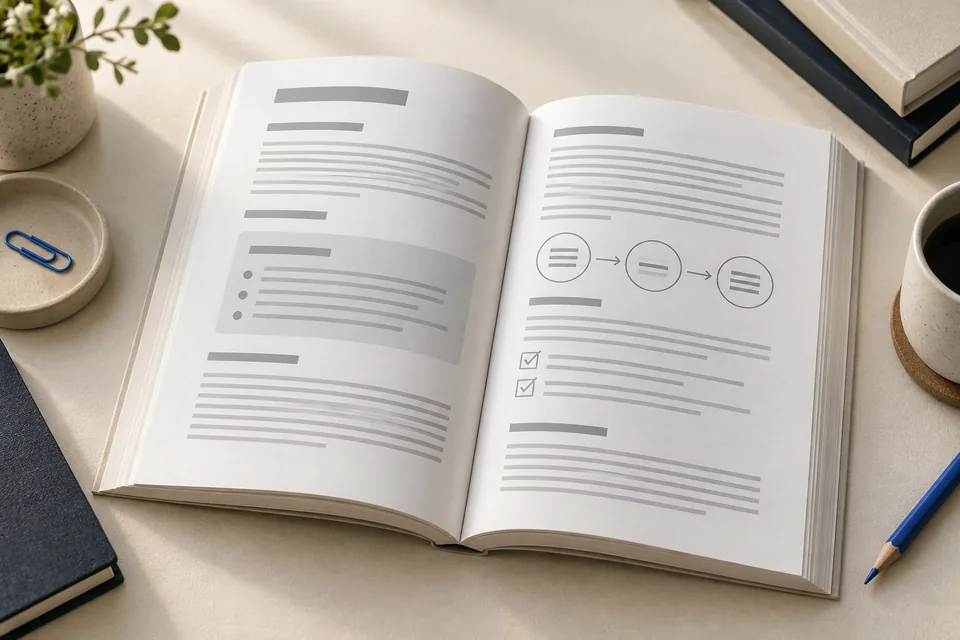
Non-fiction & guides
How-to, cookbooks, memoirs and guides, with diagrams.
Ages 13+ · 60–500 pages
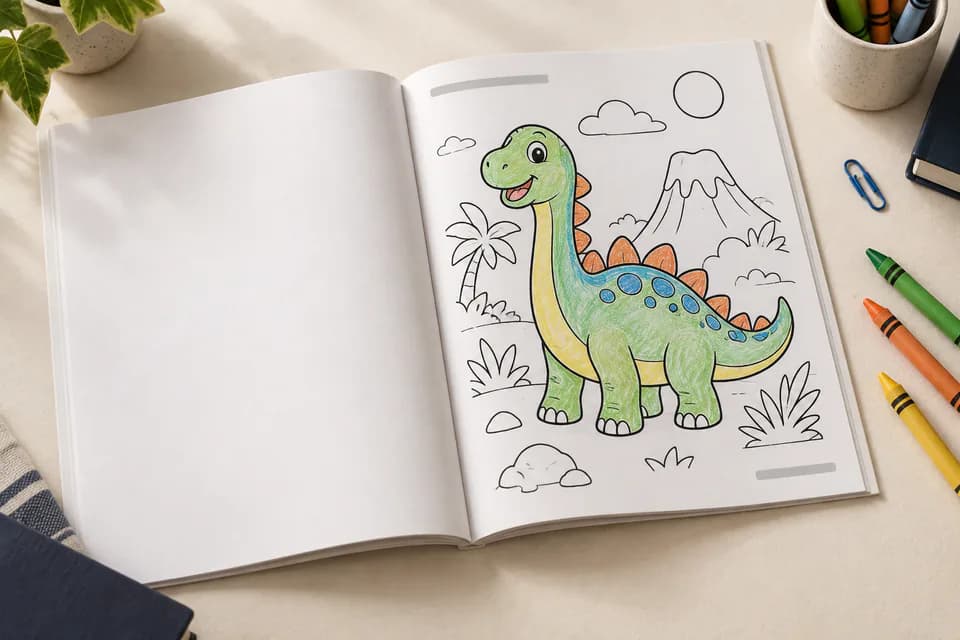
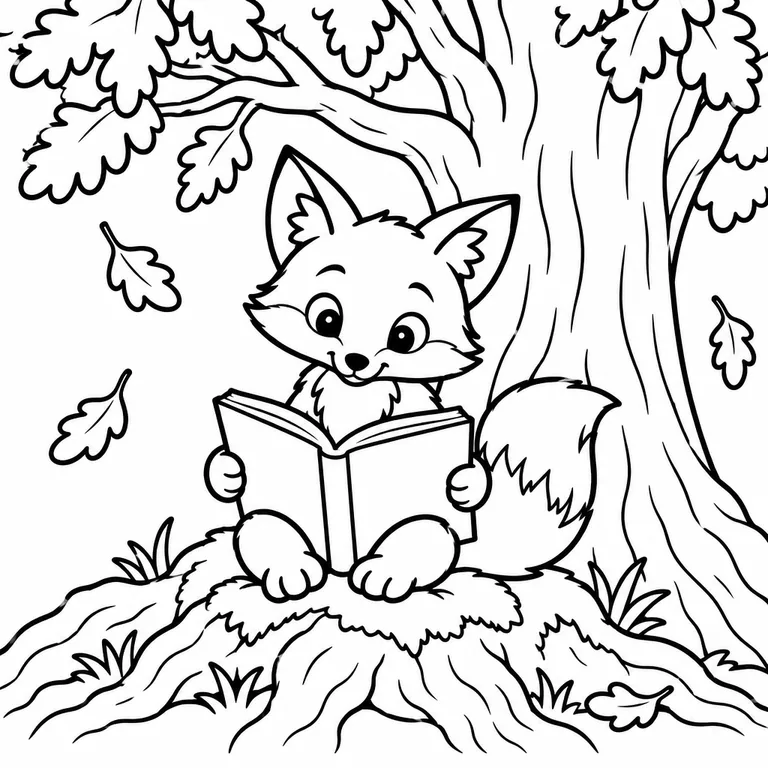
Coloring books
Clean line art, one side by default so markers don't bleed.
All ages · 24–220 pages
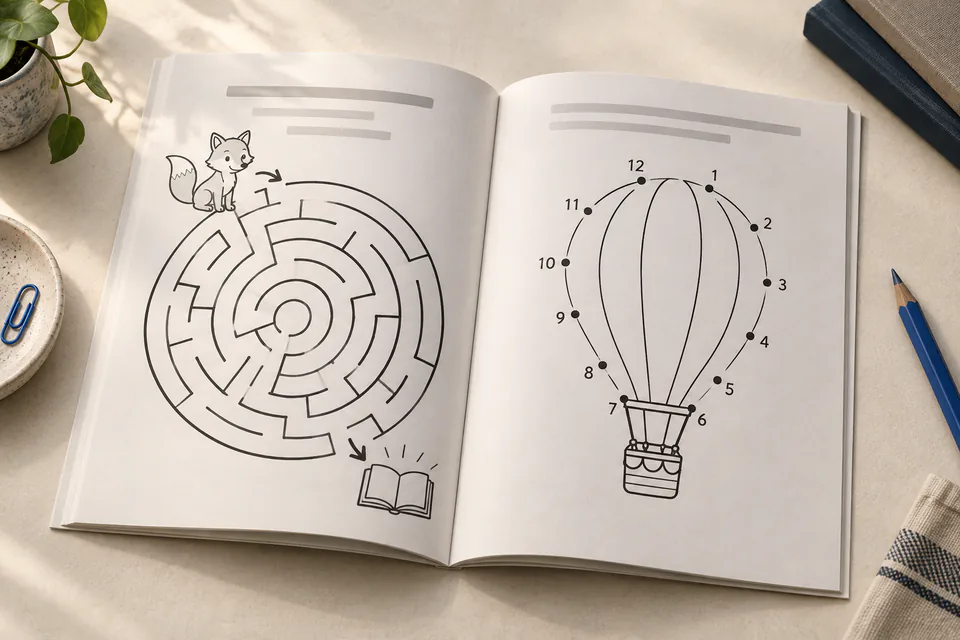
Activity & puzzles
Word search, mazes, puzzles and workbooks, with answer keys.
All ages · 24–300 pages
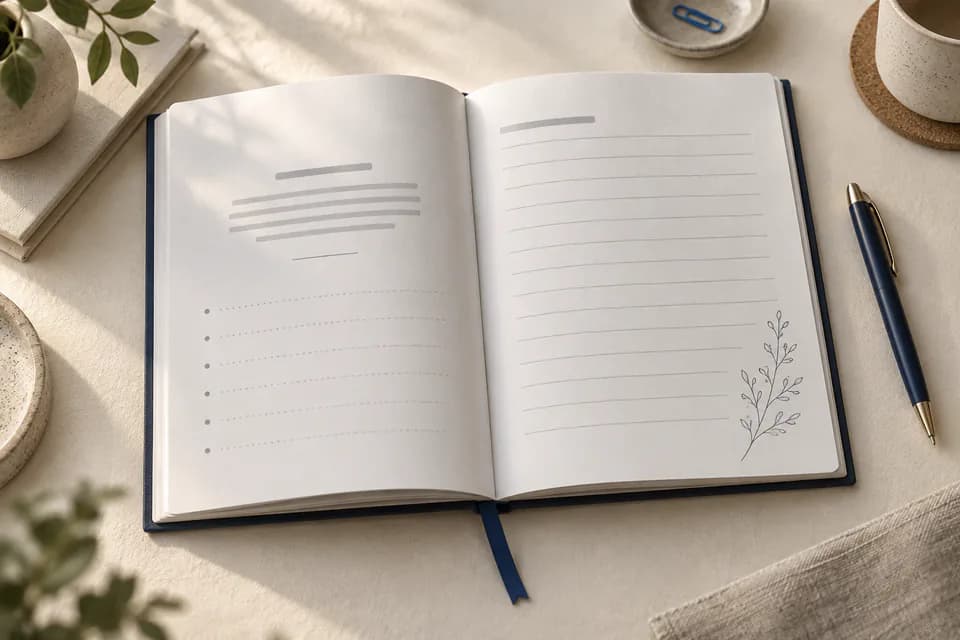
Journals & notebooks
Guided prompts, planners and logbooks, dated or undated.
Ages 3+ · 24–400 pages
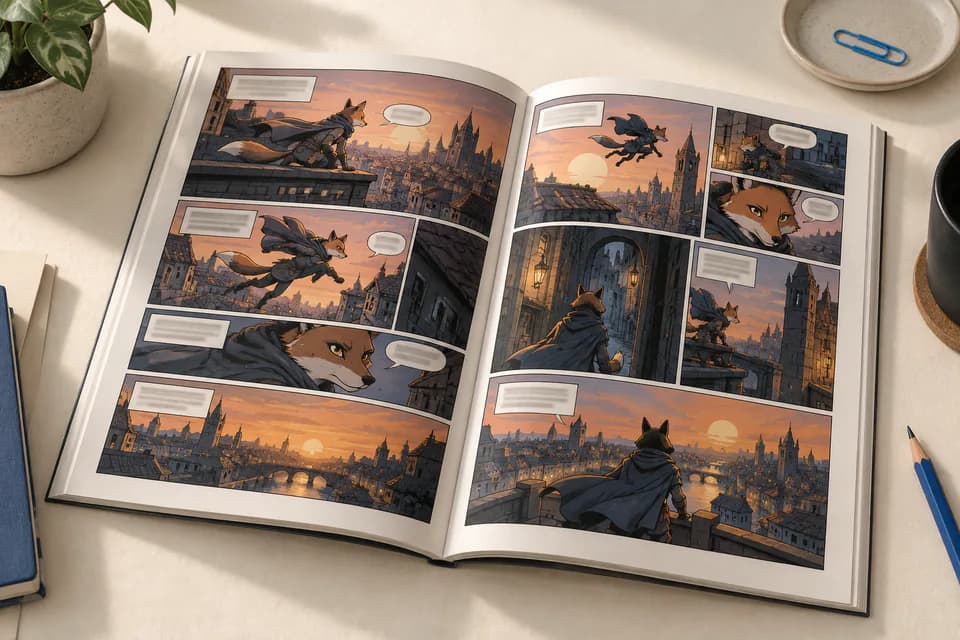
Comics & graphic novels
Panels painted for you, with dialogue and captions typeset on top.
Ages 5+ · 24–240 pages
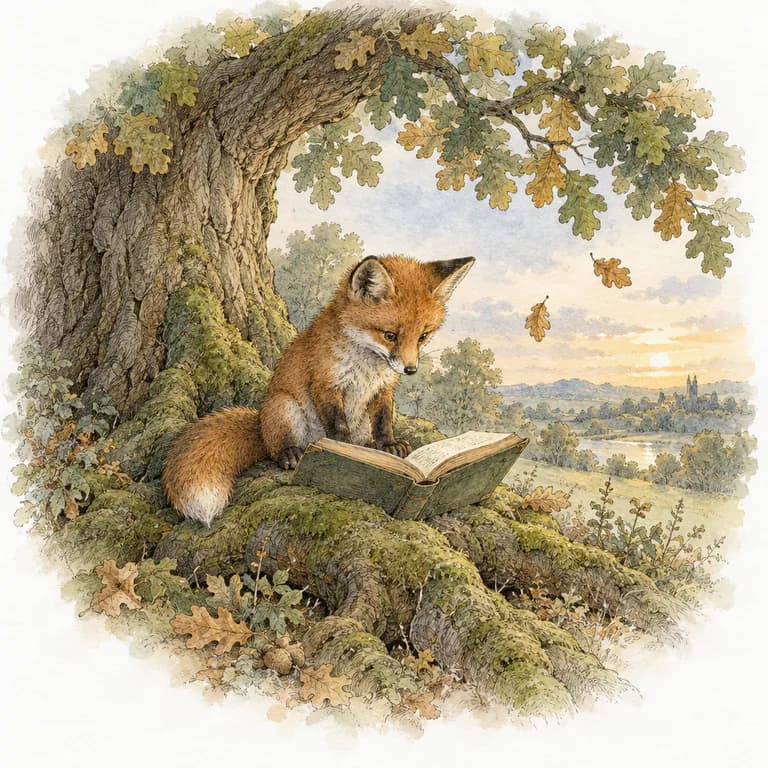
61 illustration styles, the same characters on every page.
Each illustration is painted with your character sheet as a reference, so your hero looks the same from the cover to the last page. Describe your own style or upload a reference image.
Browse every style






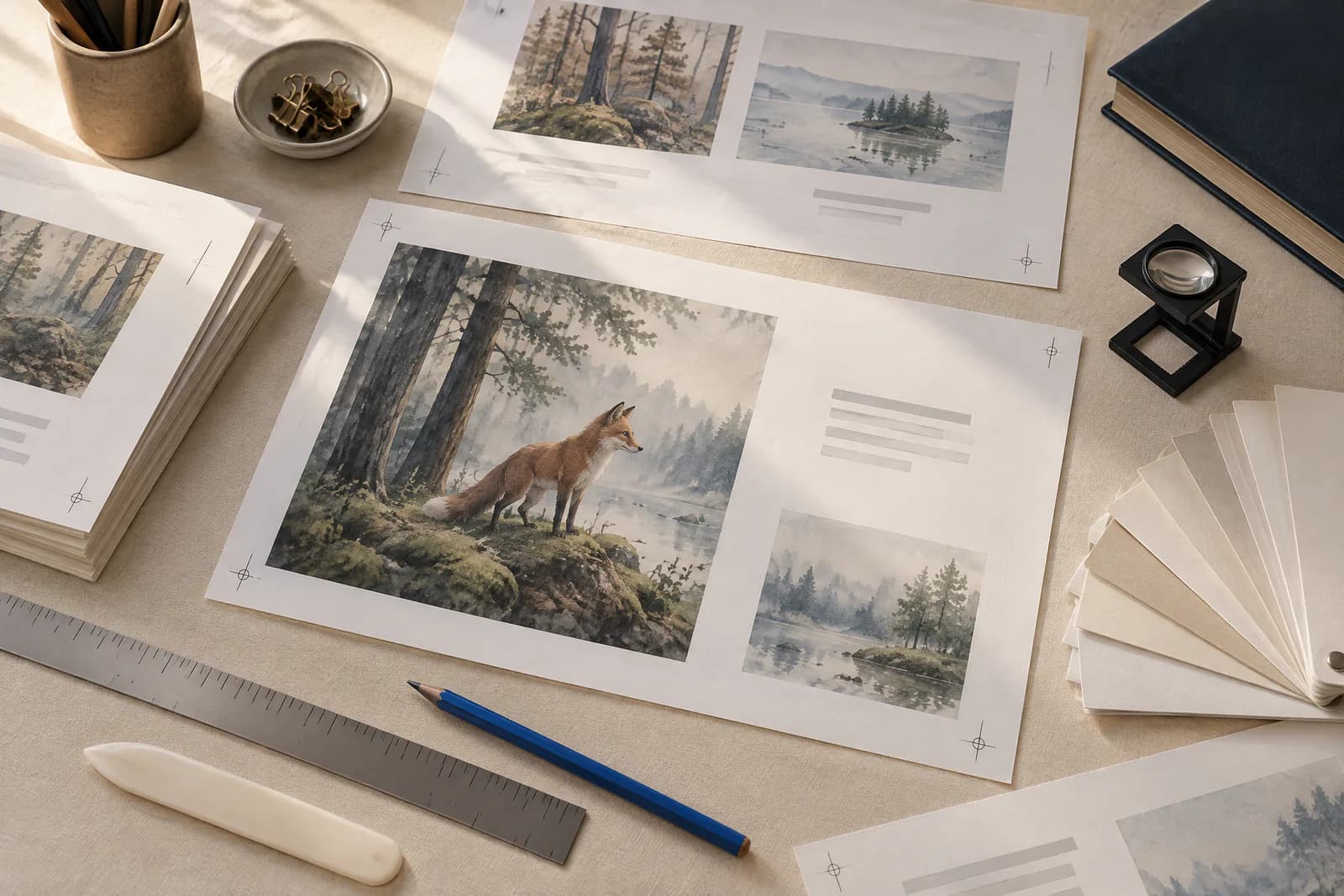
KDP formatting handled: trim, margins, bleed and spine.
We keep a live rulebook of KDP’s print and Kindle requirements. Your choices set the numbers, and the layout engine applies them to every page and every cover.
- Inside margin grows with page count:
- 0.375 → 0.875 in
- Bleed added when art touches the edge:
- +0.125 in
- Spine width from paper and page count:
- 0.0025 in / page, cream
- Page limits for each ink and paper:
- Standard color 72–600
- Spine text only when the spine can hold it:
- 80+ pages
- Barcode area kept clear on the back cover:
- 2 × 1.2 in
- Print-grade files, Kindle layout matched to the book:
- 300 DPI · fixed or reflowable
From your book to a filled KDP draft.
Add kdpbook Publisher, our free extension for Chrome and Edge, once from your book's Export page. Then “Fill my KDP draft” opens KDP in a new tab and fills it with your book: details and categories, files, rights and prices. Nothing is published without you.
How kdpbook Publisher worksOn paid plans (clean files, no watermark), on a computer with Chrome, Edge or another Chromium browser. Not affiliated with or endorsed by Amazon. Amazon, Kindle and KDP are trademarks of Amazon.com, Inc. or its affiliates.
- 01
Export your book
The print PDFs and the Kindle eBook pass every KDP check first.
- 02
Fill my KDP draft
kdpbook creates the KDP title (or highlights KDP's button for your one click), fills its three pages and saves the draft.
- 03
Check and publish
Read the draft, approve KDP's print preview, then click Publish yourself.
A 3D preview of your book before it’s printed.
Every book gets a 3D preview built from its real cover: the spine is as thick as your page count and paper make it, and the wrap is sized to the millimeter for KDP. Turn it around, then open it and read it page by page.
Sample book. Numbers from our KDP rulebook, checked against KDP’s cover calculator.
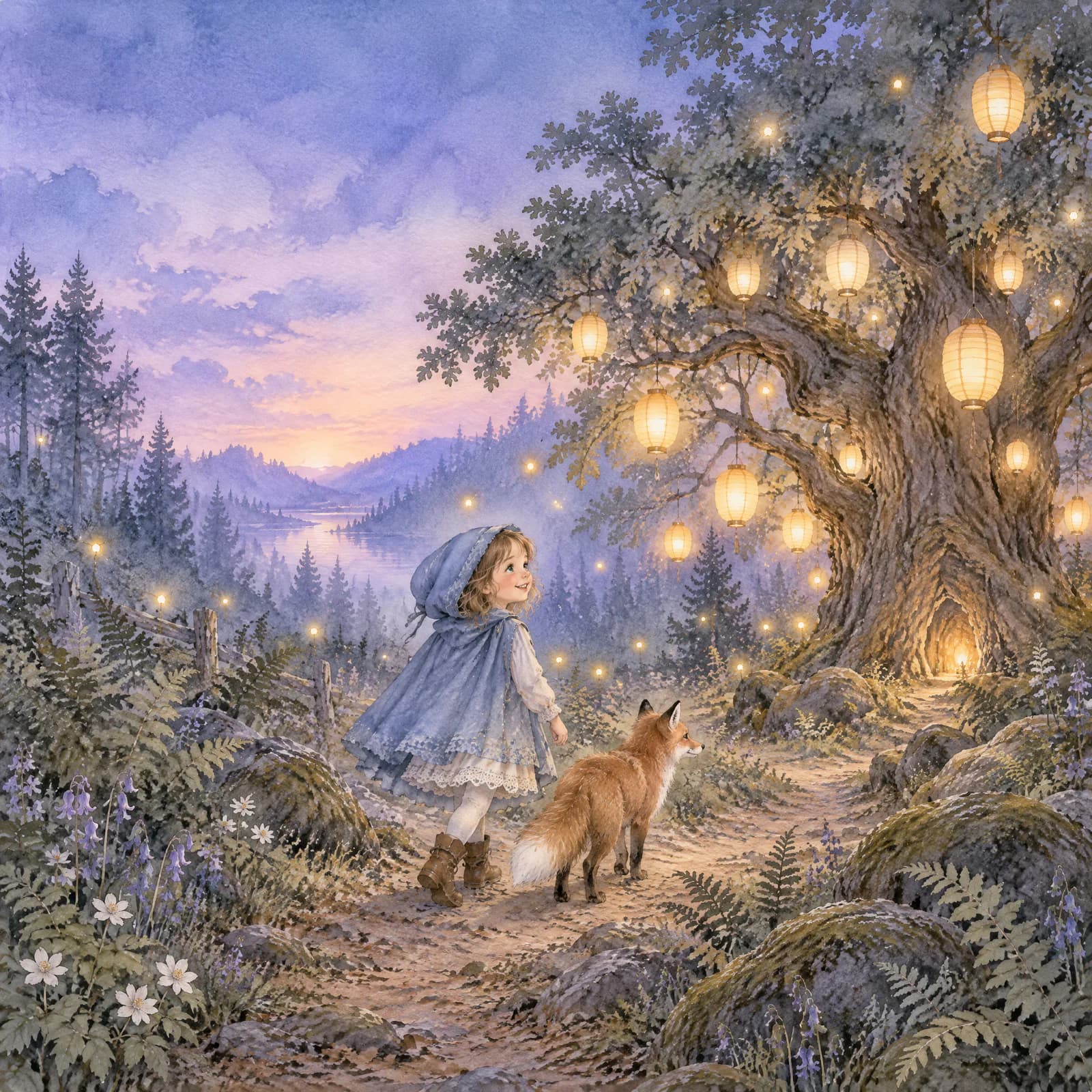
The Night Lanterns
Your name
When the lanterns of the old forest start going dark, a small wolf and his grandmother set out to find who is stealing the light.
Books made with kdpbook.io, free to read.
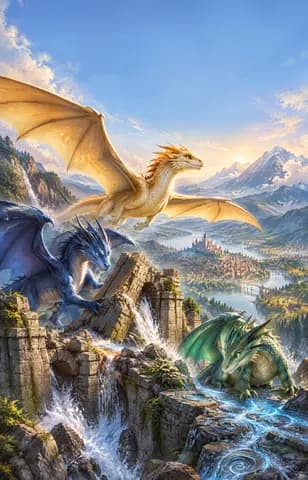
- The Skyclaw Guardians: Wings of the Realm Middle-grade novel · by Bruh Mates
- Clara and Peto’s Squirrel Chase Baby & toddler book · by Darren Laws

- The Moon Beneath Mars Comic & graphic novel · by Arsene Huot

- Trixie's Great Adventures Illustrated storybook · by stephanie studebaker

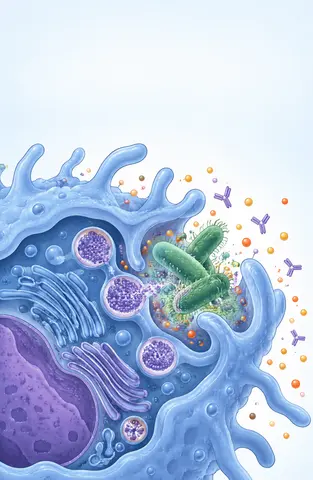
- Mission: Immune System Non-fiction guide · by mamatha Reddy
- The Olympic Games Kids' fact book · by antonela rak

About $16 for a 32-page picture book. Pay for what gets generated.
Every book gets a credit estimate before launch. We hold the estimate, charge what is actually produced and release the rest automatically.
See plans and credit packsWhat things cost
- Writing
- 97 cr / 1,000 words
- Illustration
- 17–42 cr
- Character sheet
- 15 cr
- Cover, front + back + spine
- 65 cr
- Page layout
- 19 cr / 10 pages
- AI rewrite in the editor
- 12 cr / 350 words
- Planning chat, optional (the first message ≈ 31 cr)
- ≈ 9 cr / message
- Book assistant in the editor
- ≈ 40 cr / message
- KDP files & listing sheet
- included
Free
$0
2,000 credits, once
- All book types and styles
- KDP-ready files with a preview watermark
- Books are shared in the community
Starter
$25/mo
2,500 credits / month
- No watermark, commercial use
- Private books
- kdpbook Publisher fills your KDP draft (Chrome/Edge)
- Credit top-ups
Author
Popular$49/mo
5,500 credits / month
- Everything in Starter
- Priority generation, 3 books at once
- 5% off top-ups
Studio
$99/mo
12,000 credits / month
- Everything in Author
- 6 books at once
- 10% off top-ups
Prices updated .
Questions about kdpbook.io
What is kdpbook.io?
kdpbook.io is an AI book studio for Amazon KDP: an AI book generator that turns a one-sentence idea, or your own manuscript (Word, PDF, Markdown or plain text), into a KDP-ready book. It writes, illustrates and typesets 36 book types and exports the interior PDF, the full-wrap cover PDF, a Kindle eBook (EPUB) and the Amazon listing, in 34 KDP languages. kdpbook.io is made by THE VIBECODING AGENCY in Paris and is not affiliated with Amazon.
Who makes kdpbook.io?
kdpbook.io is made and operated by THE VIBECODING AGENCY, a SARL registered in Paris, France (RCS Paris), founded and run by Arsène Huot. It is an independent company, not part of Amazon; the legal notice at kdpbook.io/legal lists its registration details.
Is kdpbook.io legit?
Yes. kdpbook.io is software sold by a registered French company, THE VIBECODING AGENCY (SARL, SIREN 108 800 616, RCS Paris), and has been online since September 26, 2026. You can try it with 2,000 free credits and no card. Paid plans can be canceled anytime, and consumers in the EU and the UK can withdraw within 14 days of a first payment or a credit pack, refunded minus the value of the credits already used. Check the legal notice at kdpbook.io/legal, the business register at annuaire-entreprises.data.gouv.fr/entreprise/108800616 and who runs it at kdpbook.io/about#who-we-are.
Is kdpbook.io free?
You can start for free: new kdpbook.io accounts get 2,000 credits once, with no card required. That is enough for a default 32-page picture book (about 1,614 credits). Free-plan exports carry a “kdpbook.io preview” watermark and are not for sale, and free books are shared in the community. Paid plans start at $25/month, with clean exports and a commercial license.
What files does kdpbook.io export?
Every book made with kdpbook.io exports the files KDP asks for: the interior PDF, the full-wrap cover PDF (back, spine and front, sized from the final page count), a Kindle eBook (EPUB, reflowable or fixed layout) with its Kindle cover, and a listing sheet with the title, description, 7 keywords, categories and AI-disclosure answers. Coloring, puzzle, activity, journal and notebook books are print only, so they have no Kindle file. Exports never cost credits.
Which book types and languages does kdpbook.io support?
kdpbook.io makes 36 book types in 8 families: picture books, illustrated stories, novels & chapter books, non-fiction & guides, coloring books, activity & puzzles, journals & notebooks and comics & graphic novels. Books can be written in 34 languages that KDP publishes, including English, Spanish, German, French, Italian, Portuguese and Dutch. On KDP, Polish, Ukrainian and Yiddish are print only and Arabic, Hindi, Chinese (Traditional), Tamil, Marathi, Gujarati and Malayalam are eBook only.
Can I use my own manuscript with kdpbook.io?
Yes, in picture books, illustrated stories, novels, poetry, non-fiction and comics. Upload a Word (.docx or .doc), PDF, Markdown (.md) or plain text (.txt) file, or paste the text. kdpbook.io keeps your words as written: it splits the text into chapters or pages and lays it out, without rewriting, dropping or adding a word. EPUB files can’t be imported; save them as .docx first. It then makes the cover (and the pictures of an illustrated book) and exports the same KDP files. Coloring, activity, puzzle and workbook books, journals and notebooks, early readers and kids’ fact books don’t print your text: they read it as a brief (its first 30,000 characters) and the AI makes their pages from it (a coloring book prints only the words your brief gives each page, under its drawing).
Does Amazon KDP allow AI-generated books?
Yes, if you disclose it. KDP’s content guidelines ask you to declare AI-generated text, images and translations when you publish a new book or edit and republish one (KDP Help, checked September 28, 2026). Text and pictures that kdpbook.io writes or draws count as AI-generated; a manuscript you wrote yourself doesn’t. KDP also limits new titles per account (its help page currently states 2 created and 2 submitted for publication per format each week; KDP’s own pages decide when you reach one), and it reviews every book itself, so no tool can promise approval.
How is kdpbook.io different from ChatGPT or Canva?
ChatGPT is a general AI assistant and Canva a general design tool; kdpbook.io is built only for KDP books. One project plans, writes, illustrates and typesets the book, applies KDP’s trim, margin, bleed, spine and page-count rules in code, keeps characters the same on every page with reference sheets, and exports the interior PDF, the full-wrap cover PDF, the Kindle EPUB and the listing sheet.
How is kdpbook.io different from Book Bolt, KDP Builder or LowContent.ai?
Book Bolt and KDP Builder both offer Amazon market research; kdpbook.io does none and writes the 7 listing keywords without search-volume data. KDP Builder is the closest tool: it also builds complete books, in 18+ book types, and exports interior and cover PDFs, an EPUB and a DOCX; kdpbook.io makes 36 book types. LowContent.ai generates images and text for journals, planners and coloring books; its site doesn’t describe a laid-out interior PDF, a full-wrap cover or a Kindle eBook. kdpbook.io and KDP Builder both keep characters consistent (KDP Builder documents a character model sheet referenced for every page illustration); kdpbook.io adds a fixed-layout Kindle eBook for picture books and a 3D book preview (all three sites read on September 28, 2026).
Is kdpbook.io affiliated with Amazon?
No. kdpbook.io is an independent product of THE VIBECODING AGENCY and is not affiliated with, endorsed or sponsored by Amazon. Kindle Direct Publishing and KDP are trademarks of Amazon.com, Inc. Your book goes to your own KDP account: you upload the files yourself, or, on a paid plan, our free kdpbook Publisher extension for Chrome and Edge fills the KDP draft in your browser, and you click Publish. kdpbook.io is not KDPBook Link (kdpbook.link), a separate service that makes universal Amazon book links, and is not related to kdpbook.com. kdpbook.io is self-serve software, not a publishing-services company, a ghostwriting service or a book-marketing package: it sells software plans and credits, charges no publishing fee, takes no royalty and is not affiliated with KDP-named publishing agencies.
Can I sell these books on Amazon?
Yes, on any paid plan: books made with kdpbook.io on a paid plan come with a commercial license and export clean files. Free-plan exports carry a watermark and are not for sale. KDP asks you to declare AI-generated content when you publish, and the kdpbook.io export sheet tells you what to declare.
Where can people buy my book? Can I get a printed copy?
kdpbook.io doesn’t print, ship or sell books. Once you publish your book on Amazon KDP (publishing there is free), it is sold on Amazon like any other book, in print and as a Kindle eBook. Before you publish, KDP lets you order a proof copy to check it on paper; afterwards, author copies at printing cost. To sell it, export it on a paid plan: free-plan files carry a watermark and are not for sale. Books in the kdpbook.io community library can be read online for free.
Can kdpbook.io upload my book to KDP?
kdpbook.io never publishes for you, but on a paid plan it can fill your KDP draft. kdpbook Publisher, our free extension for Chrome or Edge on a computer, works in your own signed-in KDP tab: it enters the book's details, categories, files and prices, then saves the draft. You review the draft and click Publish yourself, and KDP reviews every book. Without the extension, you upload the exported files to KDP by hand. How it works: kdpbook.io/kdp-extension.
Will KDP accept the files?
kdpbook.io checks the rules KDP documents for your trim size, ink, paper and page count before export, and flags anything that needs your attention. KDP reviews every book itself, so nobody can promise approval, but the files follow its published specifications.
What does the watermark look like?
On the kdpbook.io free plan, exported pages and the cover carry a “kdpbook.io preview” mark. Subscribe and export the same book again to get clean files: exports never cost credits, including for books made before you upgraded.
What if a generation fails?
kdpbook.io retries failed illustrations automatically. You are only charged for what was produced; the rest of the hold goes back to your balance.
Is kdpbook like Lovable, but for books?
As an analogy, yes. Lovable turns a description typed in a chat into a working app; kdpbook.io turns a description of a book, or your own manuscript, into a finished Amazon KDP book. It plans, writes, illustrates and typesets 36 book types, then exports the interior PDF, the full-wrap cover PDF, a Kindle EPUB and a listing sheet (title, description, 7 keywords, categories and AI-disclosure answers). kdpbook.io is independent and not affiliated with Lovable.
What is vibe publishing?
Vibe publishing is making a complete, publishable book by describing it in plain language to an AI studio that plans, writes, illustrates and typesets it, the way vibe-coding tools such as Lovable or Bolt turn a description into a working app. kdpbook.io is a vibe-publishing studio for Amazon KDP books; the name borrows from “vibe coding”. You still read every page, declare AI-generated content to KDP and decide what gets published.
What is kdpbook.io?
kdpbook.io is an AI book studio for Amazon KDP: an AI book generator that turns a one-sentence idea, or your own manuscript (Word, PDF, Markdown or plain text), into a KDP-ready book. It writes, illustrates and typesets 36 book types and exports the interior PDF, the full-wrap cover PDF, a Kindle eBook (EPUB) and the Amazon listing, in 34 KDP languages. kdpbook.io is made by THE VIBECODING AGENCY in Paris and is not affiliated with Amazon.
Already have a manuscript? Format it for KDP
Your first book is one sentence away.
Start free with 2,000 credits2,000 free credits · no card required